A calm dial
for focused work.
A focus timer you read at a glance: a coloured dial that drains as the minutes pass, with your tasks from Apple Reminders.
iPhone · iPad · Mac
Read it at a glance
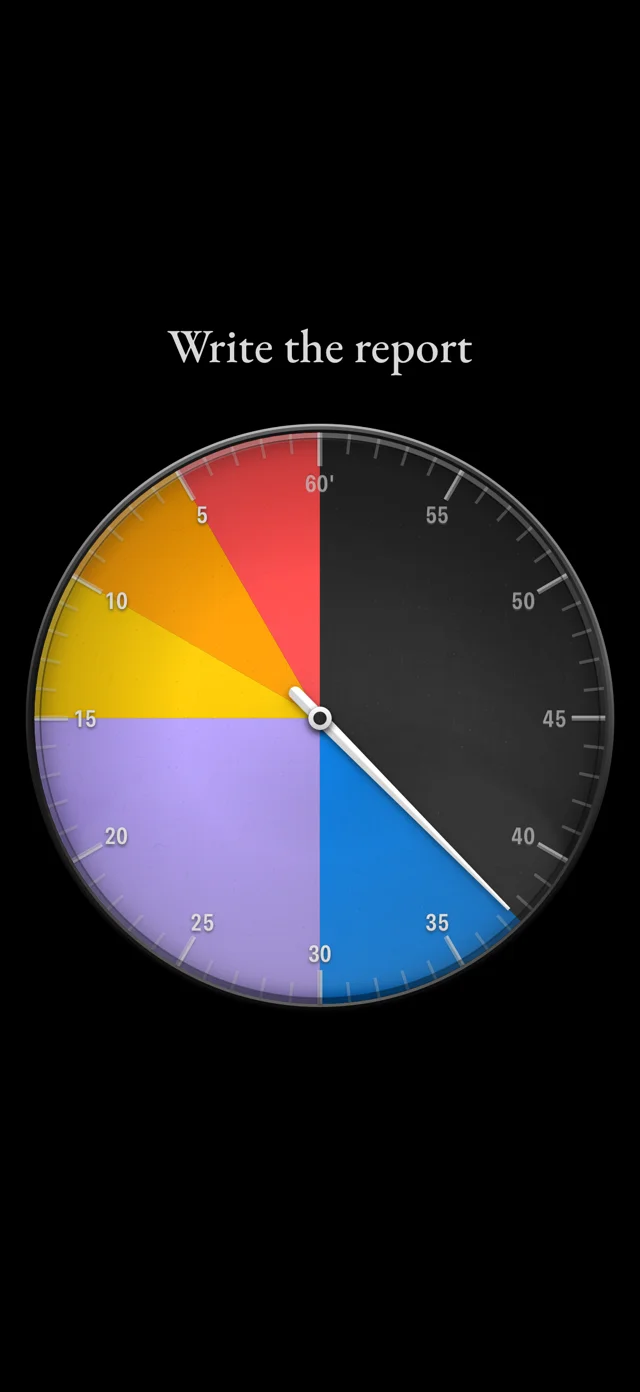
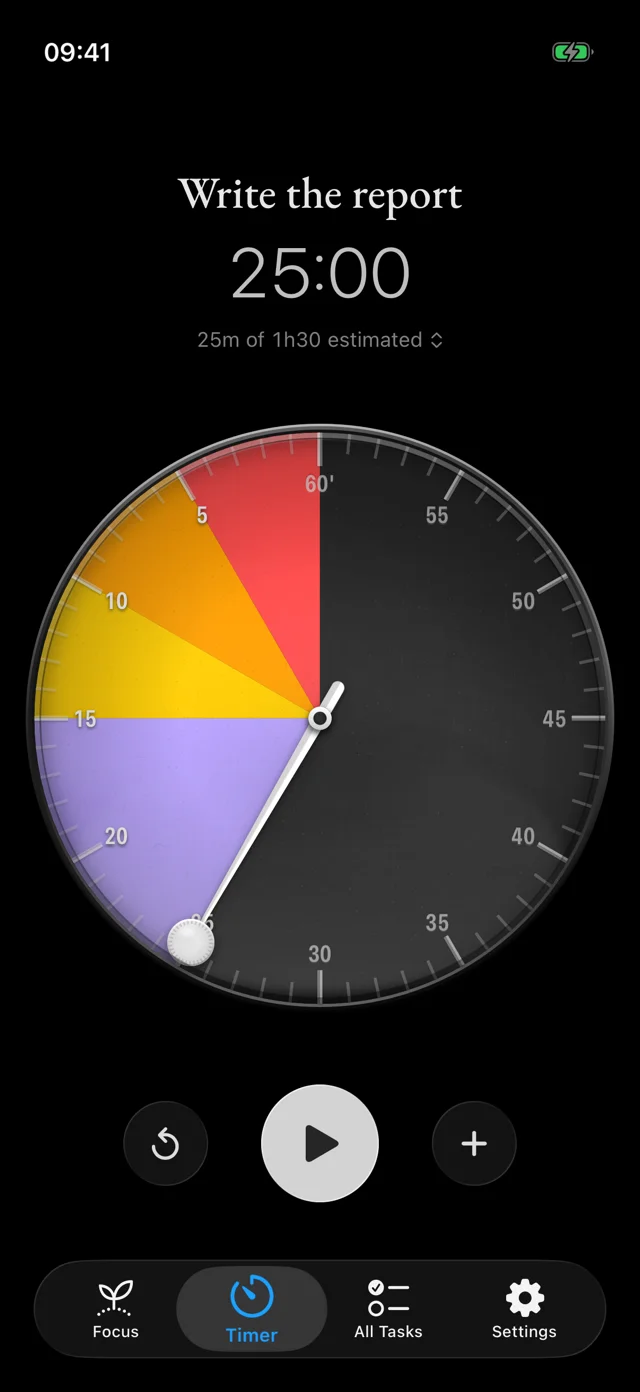
Drag the needle up to 60 minutes and press play. The colours tell you how much time is left without reading a number, and the last five minutes turn red.
On your Mac
A small dial floats above your windows on every Space, out of the way until you need it. The menu bar shows the time left and has every control.
Your tasks, from Reminders
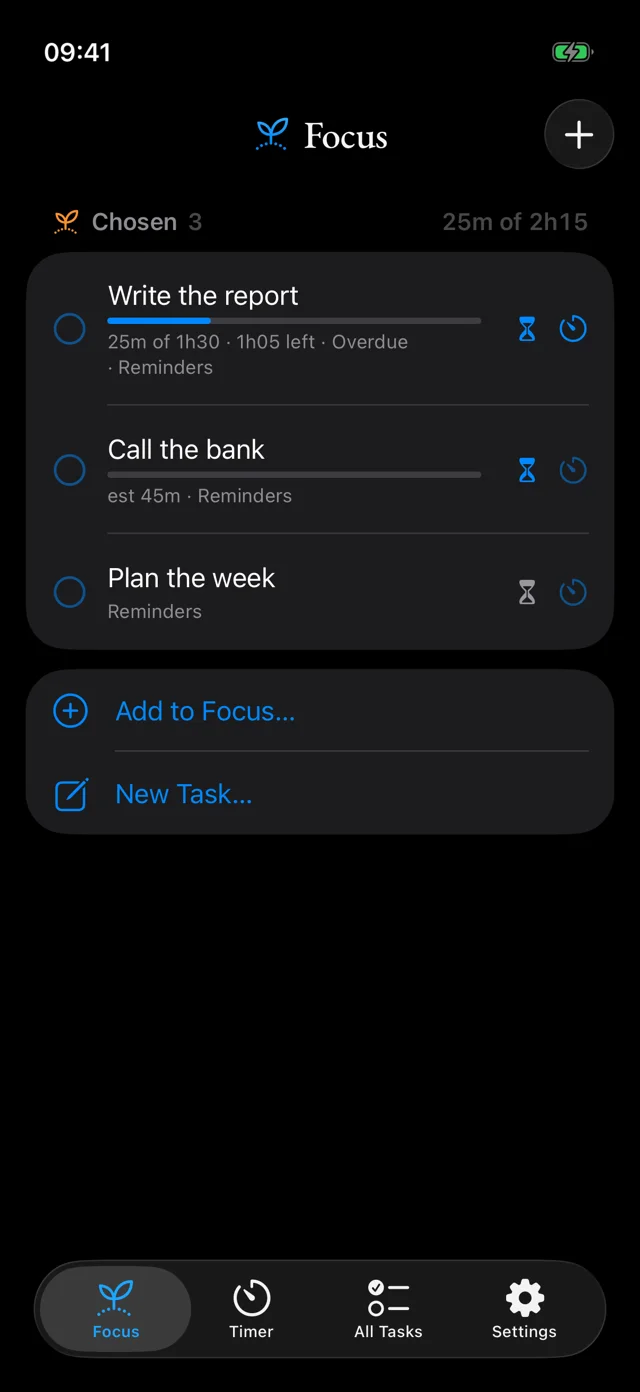
Pick today's tasks from Apple Reminders, give each an estimate, and see time spent against it. Put a task on the timer in a tap; your tasks and estimates stay in Reminders.
Everywhere
The timer on your iPhone Lock Screen and in the Dynamic Island, a harp when time is up, and sync through your own iCloud: start on your Mac, pause on your iPhone.
What Tempo won't do
- No account Nothing to sign up for; nothing to sign in to.
- No ads or analytics No tracking SDKs, and your data is never sold.
- No cloud of ours Your timer syncs through your own iCloud.
- No nagging No streaks to keep, no badges, no reminders you didn't ask for.